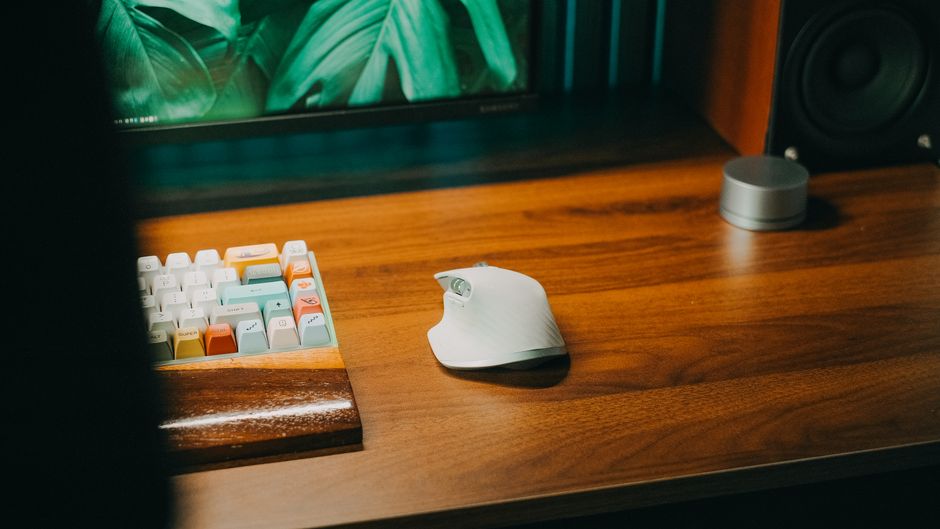
Photo: Pew Nguyen / Pexels
Remote work is the practice of working at or from one's home or another space rather than from an office or workplace.
Found this helpful? Share it!
Our team reviews ergonomic furniture, desk accessories, and productivity tools so you don't have to. Every recommendation is based on real research: customer reviews, expert opinions, and value for money. Learn more about us →
Yes, ergonomic keyboards are worth the investment for most work-from-home professionals, especially if you spend 6+ hours daily typing. They can significantly reduce wrist strain, prevent repetitive stress injuries, and improve typing comfort and productivity.
Ergonomic keyboards are worthwhile if you experience wrist pain, type extensively, or want to prevent future injuries. Standard keyboards force your wrists into unnatural angles, contributing to conditions like carpal tunnel syndrome and tendonitis. An ergonomic keyboard encourages proper wrist alignment and reduces strain on your hands and forearms. For remote workers spending entire days at their desk, the health benefits and comfort improvements justify the initial cost.
Before purchasing an ergonomic keyboard, test it with your actual typing posture and hand position to ensure the key layout and palm rest height align with your natural wrist angle, since what feels comfortable in a store may cause strain during an 8-hour workday. Check if the keyboard's tilt and split design match your desk setup and monitor height, as an ergonomic keyboard only works effectively when paired with proper overall desk ergonomics.
When you work from home, your desk setup becomes your primary work environment. Unlike office settings where ergonomic standards are sometimes enforced, home offices often lack proper equipment. Standard keyboards require your wrists to bend upward (extension) and inward (ulnar deviation), which creates tension and fatigue over time.
Ergonomic keyboards address these issues through several design features:
The financial investment typically ranges from $50 to $300+ depending on features and brand. For someone earning a full-time income while working from home, preventing even one week of lost productivity due to wrist injury makes the keyboard pay for itself. Medical treatment for repetitive strain injuries often costs thousands of dollars, making prevention exceptionally cost-effective.
However, ergonomic keyboards aren't universally necessary. If you type casually, take frequent breaks, or use voice dictation, you may not need one. The greatest benefits go to professionals who type constantly—writers, programmers, customer service representatives, and data entry specialists.
Occupational health professionals consistently recommend ergonomic keyboards as a primary intervention for preventing work-related musculoskeletal disorders. The American Academy of Orthopaedic Surgeons acknowledges that proper keyboard positioning and design significantly reduce carpal tunnel syndrome risk. Physical therapists note that clients who switch to ergonomic keyboards report immediate comfort improvements and long-term pain reduction. Ergonomics researchers have documented that split keyboards reduce wrist strain by 15-25% compared to traditional designs, and users experience fewer typing-related injuries over sustained periods.
An ergonomic mechanical keyboard combines the health benefits of ergonomic design with the tactile feedback and durability of mechanical switches. Mechanical keyboards offer superior typing feedback, allowing you to type with less force and more accuracy—reducing finger fatigue. The combination creates an ideal solution for work-from-home professionals seeking both comfort and productivity improvements.
Browse ergonomic mechanical keyboards on Amazon to find options that match your budget and layout preferences. Popular styles include split designs, contoured ergonomic boards, and adjustable-angle keyboards that let you customize your setup.
| Retailer | Price Range | Shipping | Link |
|---|---|---|---|
| Amazon | Check Current Price | Free (Prime) | View on Amazon → |
| Walmart | Check Site | Free over $35 | Search → |
| Target | Check Site | Free over $35 | Search → |
Prices may vary. Click through to each retailer for current pricing.
Yes, ergonomic keyboards can significantly reduce wrist strain by promoting a more neutral hand position during typing, which decreases pressure on the median nerve. Studies show that split and curved keyboards reduce the risk of carpal tunnel syndrome when combined with proper desk setup, though results vary based on individual anatomy and typing habits.
Quality ergonomic keyboards range from $80-$300, with good options available between $100-$150 that offer solid build quality and effective wrist support. Investing in a mid-range model is typically worthwhile for remote workers who type 6+ hours daily, as cheaper options often lack proper key responsiveness and durability.
Most people need 1-2 weeks to adjust to a split or curved ergonomic keyboard, though typing speed may temporarily decrease by 10-20% during this period. The adjustment period is shorter (3-5 days) for contoured keyboards that are less dramatically different from standard layouts.
Ergonomic keyboards feature split designs, wrist rests, or curved surfaces that keep your hands in a neutral position, while regular keyboards force your wrists into a pronated position that strains tendons over time. For remote workers spending 8+ hours at a desk, ergonomic keyboards reduce fatigue and long-term injury risk, making them worth the investment.