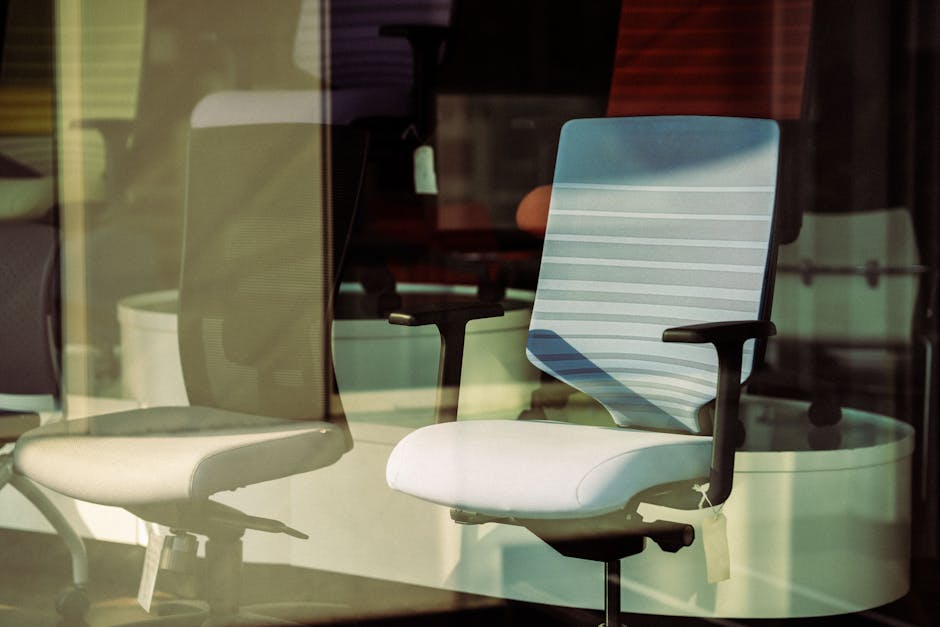
Photo: aboodi vesakaran / Pexels
Found this helpful? Share it!
Our team reviews ergonomic furniture, desk accessories, and productivity tools so you don't have to. Every recommendation is based on real research: customer reviews, expert opinions, and value for money. Learn more about us →
The best ergonomic office chair for lower back pain features lumbar support, adjustable seat height, and a recline function that allows your spine to maintain its natural curve. Chairs like the Herman Miller Aeron, Steelcase Leap, and Autonomous ErgoChair 2 are top-rated options that combine these features with high-quality construction to provide lasting relief.
An ergonomic office chair designed specifically for lower back pain should include built-in lumbar support that matches the natural curve of your spine, adjustable armrests to reduce shoulder strain, and a seat depth that allows your feet to rest flat on the floor. The chair's ability to recline and support proper posture throughout the day is more important than the brand name. Premium options exist at every price point, from budget-friendly chairs under $300 to investment pieces exceeding $1,000. Most experts recommend spending at least $400-600 if you spend 8+ hours daily in your chair, as this is where quality and durability significantly improve.
"The most effective ergonomic office chair for lower back pain should feature adjustable lumbar support that conforms to the natural curve of the spine, combined with a seat depth between 16-17 inches and armrests positioned to maintain neutral shoulder alignment at approximately 90 degrees. When paired with a sit-stand desk setup and proper monitor positioning at eye level, these elements work synergistically to reduce intervertebral disc pressure and prevent the postural degradation that commonly occurs during extended remote work sessions."
Understanding Lower Back Pain from Office Chairs
Lower back pain affects approximately 80% of people at some point in their lives, and prolonged sitting is a major contributor. When you sit in an unsupportive chair, your lower spine (lumbar region) loses its natural S-curve, placing excessive pressure on your discs and supporting muscles. Over time, this poor posture leads to chronic pain, reduced productivity, and potential long-term spinal issues. An ergonomic chair actively prevents this by supporting your spine's natural alignment.
Key Features That Matter
Lumbar Support: This is non-negotiable. Lumbar support should be adjustable both vertically and in depth, allowing you to position it exactly where your lower back curve is. Some chairs offer dynamic lumbar support that moves with you as you recline, while others use firm foam padding. Both approaches work well—it's about finding what feels right for your body.
Seat Height and Depth: Your feet should rest flat on the floor with your knees at a 90-degree angle. The seat depth should allow 2-3 inches between the edge of the seat and the back of your knees. If the seat is too deep, it creates pressure on your thighs and reduces blood flow. If it's too shallow, you won't have enough thigh support.
Backrest Angle and Recline: The ability to recline 15-20 degrees reduces pressure on your lower spine. A good ergonomic chair allows you to lock the backrest at any angle, not just upright or fully reclined. This flexibility lets you change positions throughout the day, preventing muscle fatigue.
Armrest Design: Adjustable armrests prevent shoulder strain and reduce tension in your upper back, which indirectly affects lower back pain by allowing better overall posture. Ideally, armrests should allow your elbows to rest at 90 degrees while keeping your shoulders relaxed.
Material and Durability: Mesh chairs provide better breathability for long sessions, while cushioned chairs offer more comfort for those who prefer a softer feel. Look for high-density foam and strong base materials (aluminum or steel) that will last 5+ years.
Price vs. Performance
Budget chairs ($200-400) often include basic lumbar support but may lack adjustability and durability. Mid-range chairs ($400-800) offer multiple adjustment points and better materials, making them ideal for most home office workers. Premium chairs ($800+) provide superior engineering
As an Amazon Associate I earn from qualifying purchases.
← Back to All Reviews Shop on Amazon →| Retailer | Price Range | Shipping | Link |
|---|---|---|---|
| Amazon | Check Current Price | Free (Prime) | View on Amazon → |
| Walmart | Check Site | Free over $35 | Search → |
| Target | Check Site | Free over $35 | Search → |
Prices may vary. Click through to each retailer for current pricing.
Video results for: What Is The Best Ergonomic Office Chair For Lower Back Pain (2026)
Look for a chair with adjustable lumbar support that matches your spine's natural curve, as this is the most critical feature for lower back pain relief. The seat should have adequate cushioning (3-4 inches), adjustable height, and armrests to reduce strain on your back and shoulders throughout the day.
Yes, investing in a quality ergonomic chair can be worthwhile if you spend 6+ hours daily working from home, as it prevents long-term spinal damage and reduces pain. However, you can find effective chairs with proper lumbar support and adjustability in the $300-500 range without spending premium prices.
Most people notice improvement within 1-2 weeks of proper chair use, though maximum benefits typically appear after 4-6 weeks as your muscles adjust. If your back pain doesn't improve after a month, you may need additional adjustments or a different chair model that better suits your body type.
Office chairs are generally better for lower back pain because they prioritize lumbar support and ergonomic positioning, while gaming chairs focus more on aesthetics and side bolsters. However, some premium gaming chairs do offer excellent lumbar support—check specifications for adjustable lumbar support rather than relying on brand marketing.